
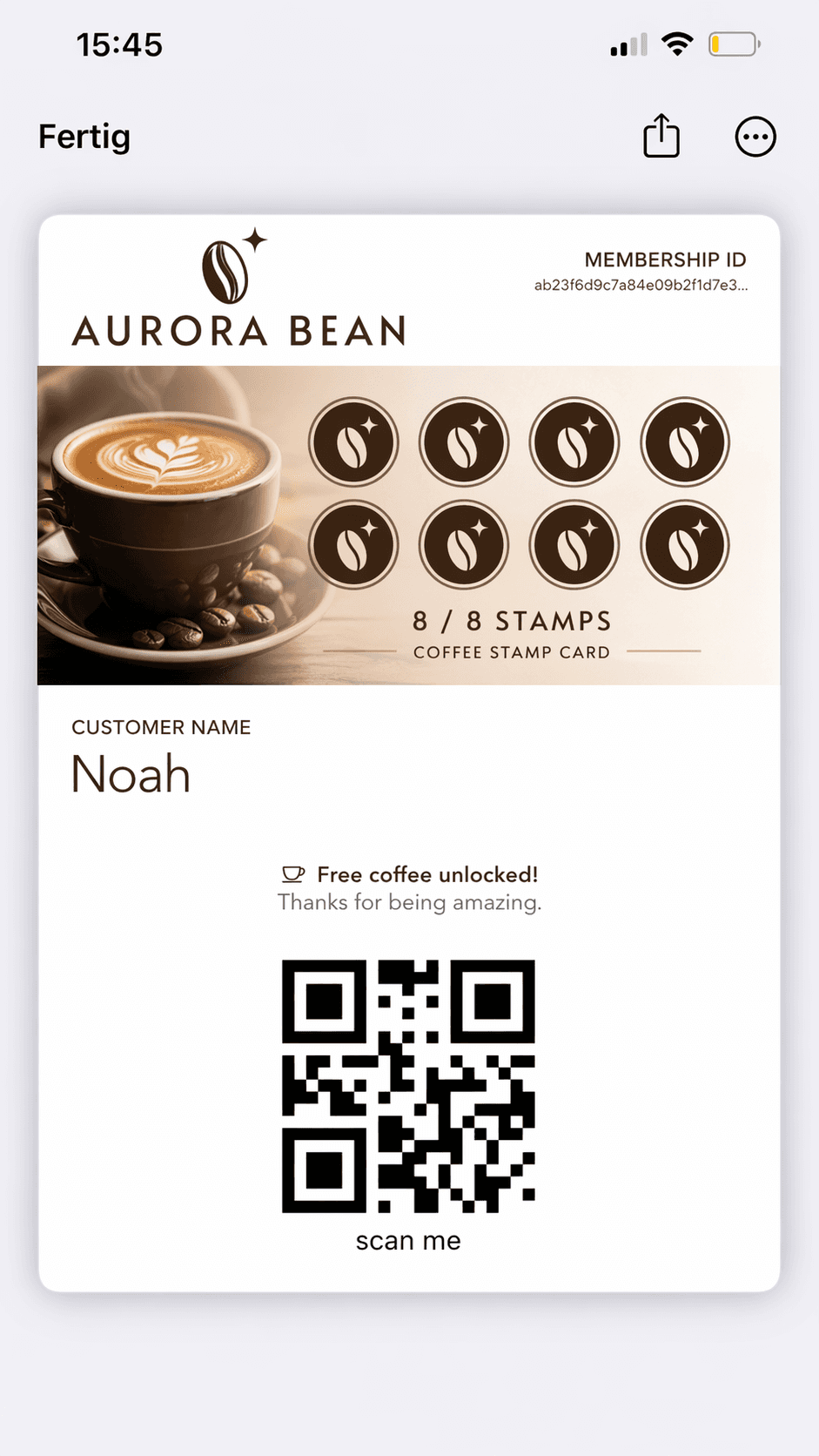
Stamp pass
Each scan adds a stamp to the pass. Fill the pass and a reward image reveals in the wallet. You control the grid layout, stamp artwork, and completion behaviour.
Coffee loyaltyPunch passesRetail rewards
Pass mechanics
Mechanics define what happens when a pass is scanned. Pick one per template — no code required.
Pass mechanics
Each scan adds a stamp to the pass. Fill the pass and a reward image reveals in the wallet. You control the grid layout, stamp artwork, and completion behaviour.
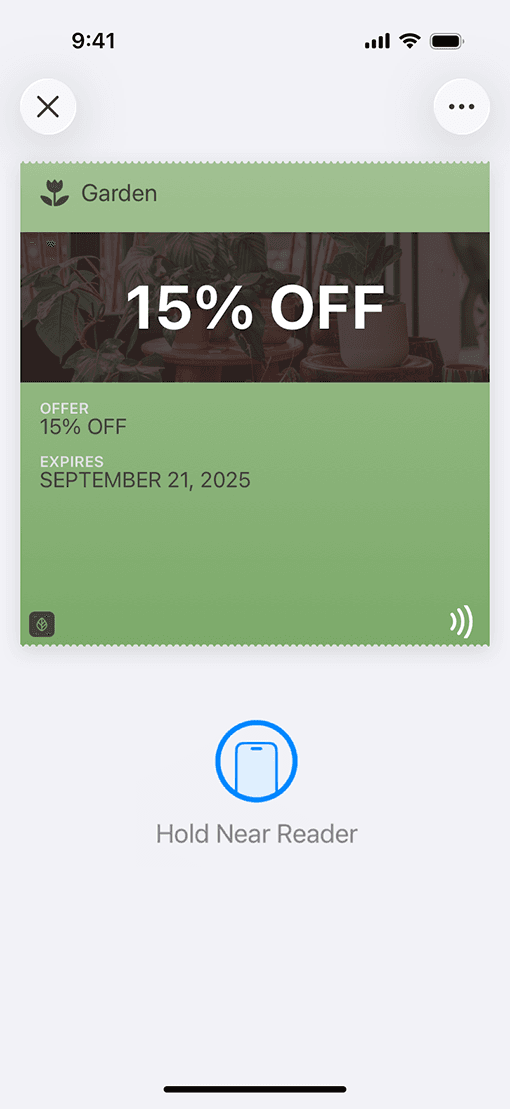
Remove stamps when a customer redeems a reward. Supports partial redemption or full pass reset — staff scans to confirm, no manual input needed.
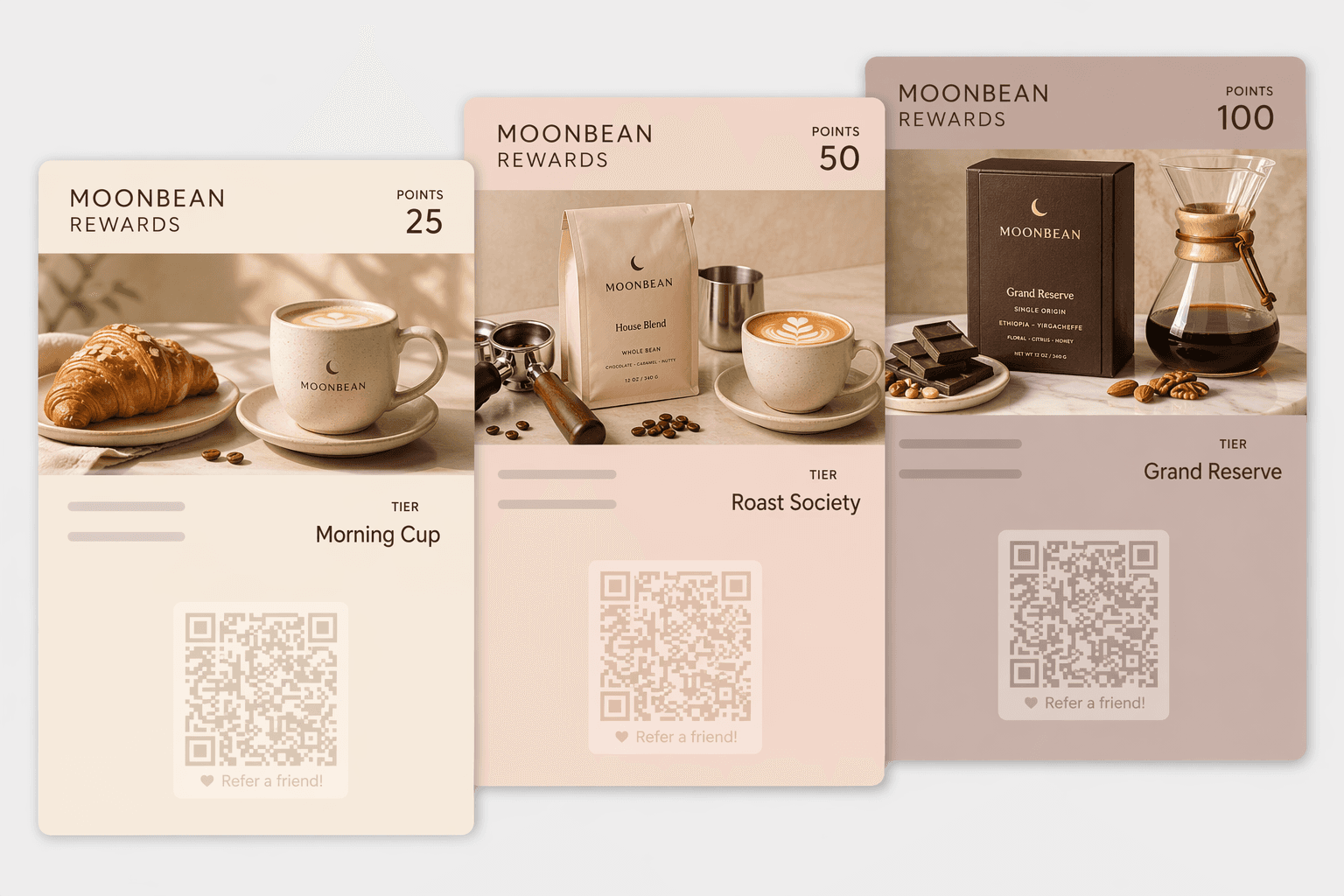
Award points on every scan. Define tiers — Bronze, Silver, Gold, Platinum — each with its own colours, logo, and background image. The pass updates its artwork automatically when a tier changes.
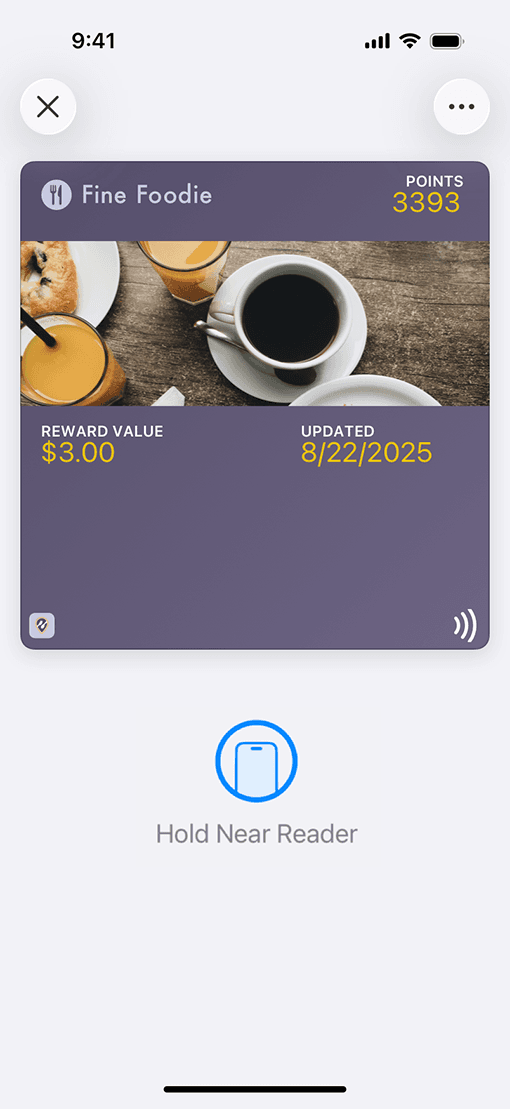
Track a balance on the pass. Staff enters the amount at scan; the balance deducts and the pass updates live. Multi-currency, configurable floor and ceiling, optional auto-deactivation at zero.
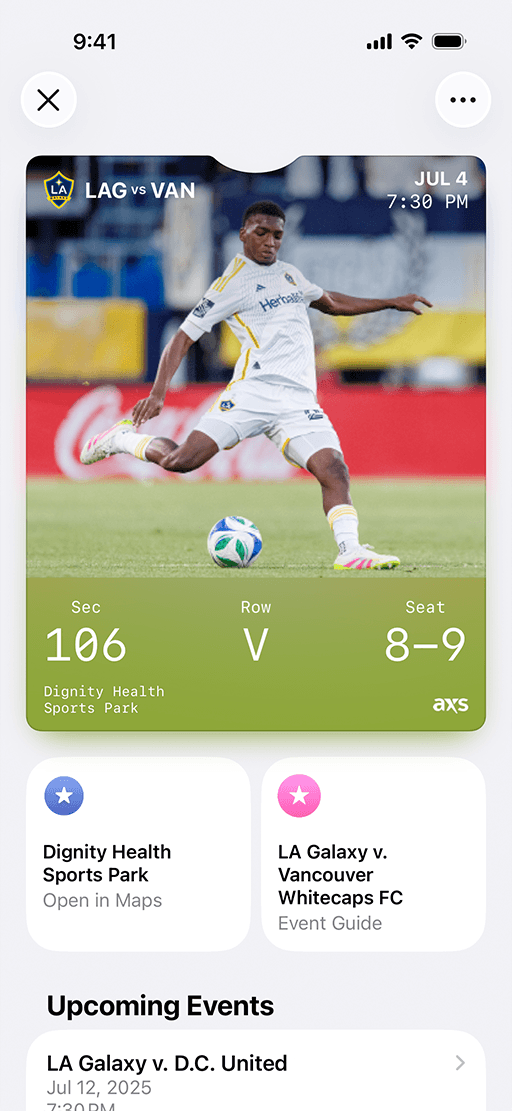
Allow exactly one successful scan per calendar day. A second scan the same day returns a clear rejection — no accidental double entries. Timezone-aware to match your location.
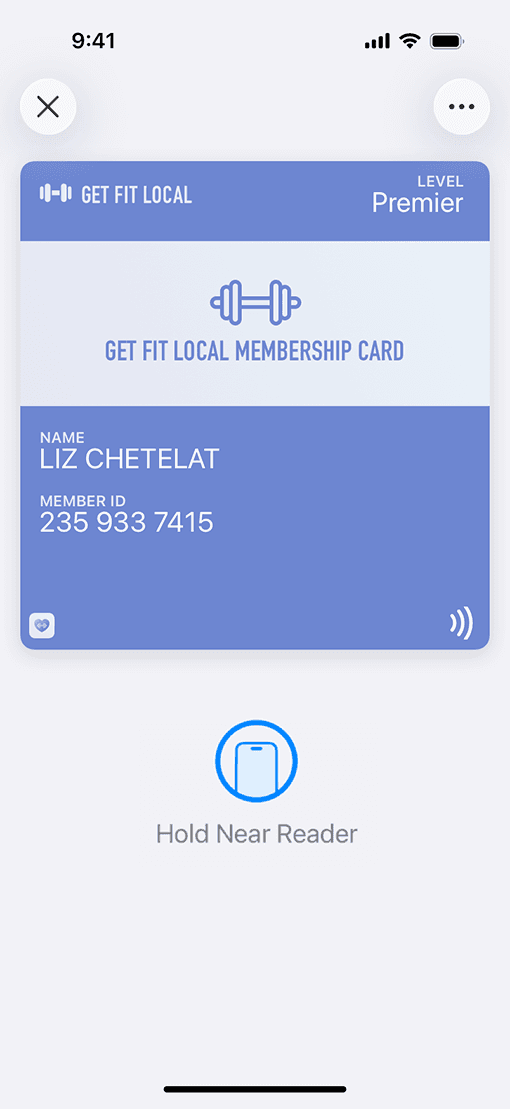
Each scan pushes the pass validity date forward. Built for subscriptions, rolling memberships, or any pass that renews on interaction rather than a fixed calendar date.
At scan time
Every mechanic fires at scan time. The pass state updates, the Apple Wallet or Google Wallet copy refreshes, and any configured push notification sends — all within seconds.
In the dashboard, open a template and add one mechanic. Set the rules — stamp count, point thresholds, balance limits — and save.
Generate passes via the dashboard or API. Each pass starts with the initial value you configured — zero stamps, zero points, or a loaded balance.
Staff scans the pass via QR or NFC. The mechanic fires, the pass state changes, and Apple Wallet or Google Wallet updates within seconds.
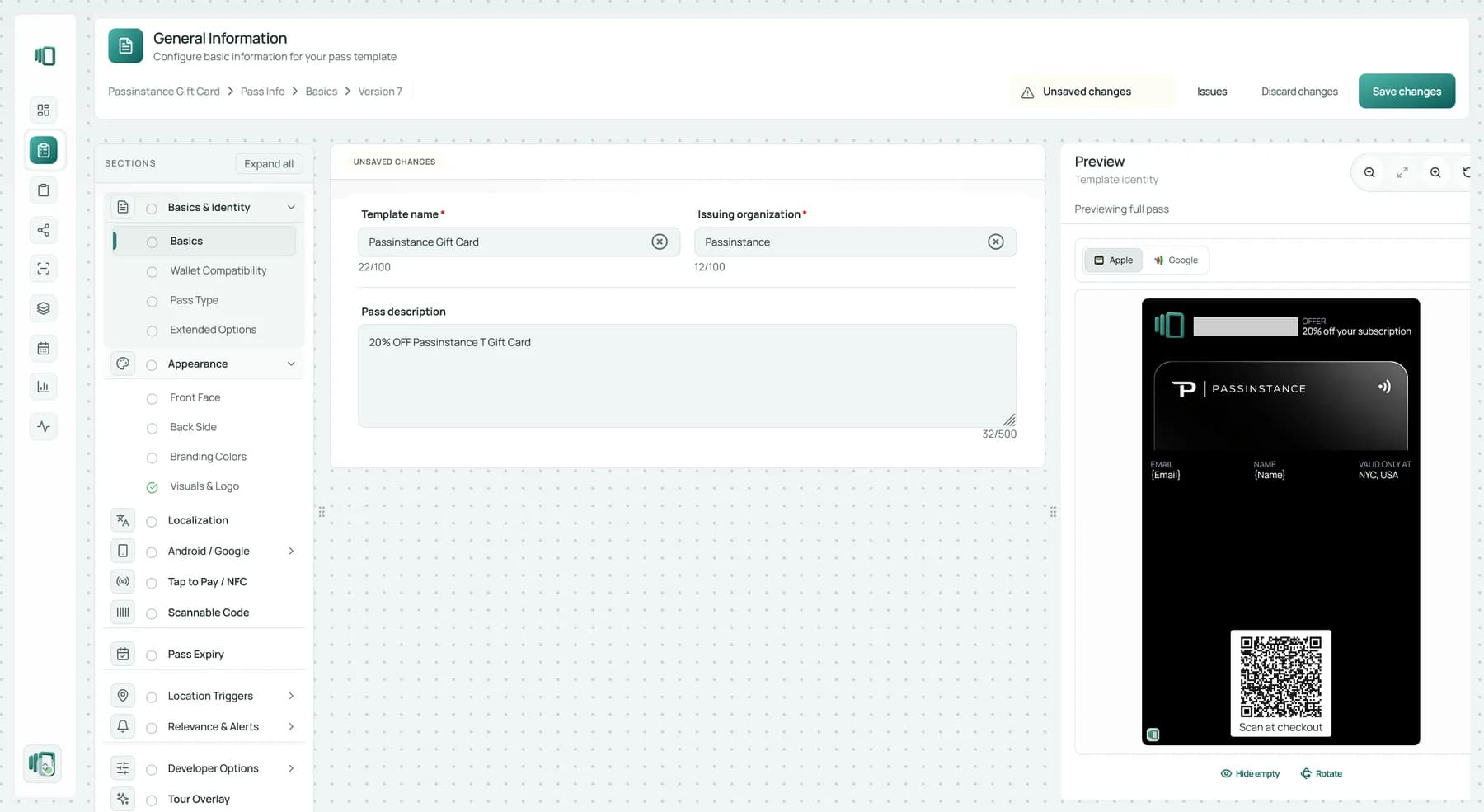

Start free. Pick a template, attach a mechanic, issue passes. No credit card required.
We use analytics cookies to understand how visitors use this site and improve it. No personal data is sold. Cookie settings